Video: How to Adjust Display Scaling in Windows 11
A video guide to adjusting display scaling for Windows 11How-To
Having trouble seeing text or icons clearly on your Windows 11 screen? This video will show you exactly how to adjust display scaling in Windows 11. By following our simple steps, you'll be able to make text, apps, and everything else on your screen bigger or smaller to perfectly match your preferences and improve your viewing experience on Windows 11. So, whether your eyes are craving a bit more breathing room or you just want things a tad sharper, this video will be your guide to customizing your Windows 11 display for optimal comfort and clarity!
Comment on This Post
See More Blog Categories
Recent Posts
Why Apple Shortcuts Is the Best Mac Local AI Feature You're Not Using
Shortcuts is a powerful automation tool built into Macs, iPhones, and iPads, and this year's Siri AI upgrade made it easier than ever to use.
Continue Reading About Why Apple Shortcuts Is the Best Mac Local AI Feature You're Not UsingWatch: kayjayohpcs Builds His Most INSANE PC Yet!
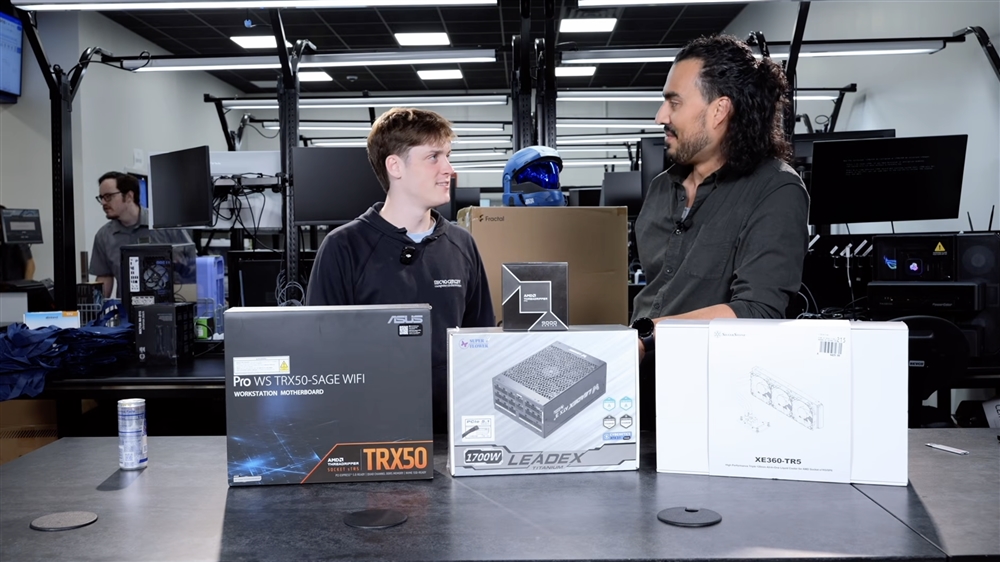
At the Micro Center Austin Grand Opening, Jordan and special guest kayjayohpcs build a Threadripper PRO workstation with two Radeon AI PRO R9700 GPUs, 128GB of ECC memory, and a 1700W power supply.
Continue Reading About Watch: kayjayohpcs Builds His Most INSANE PC Yet!