


NAS Builder C03

 Share Your Build


NAS Components
Check Out Some Custom PCs


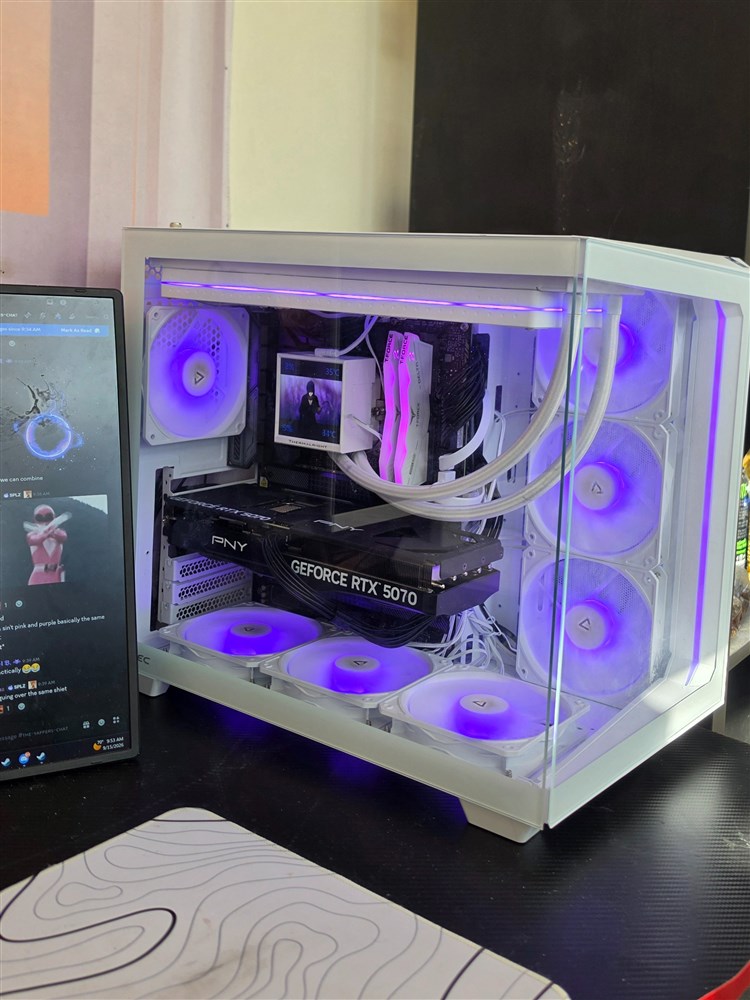
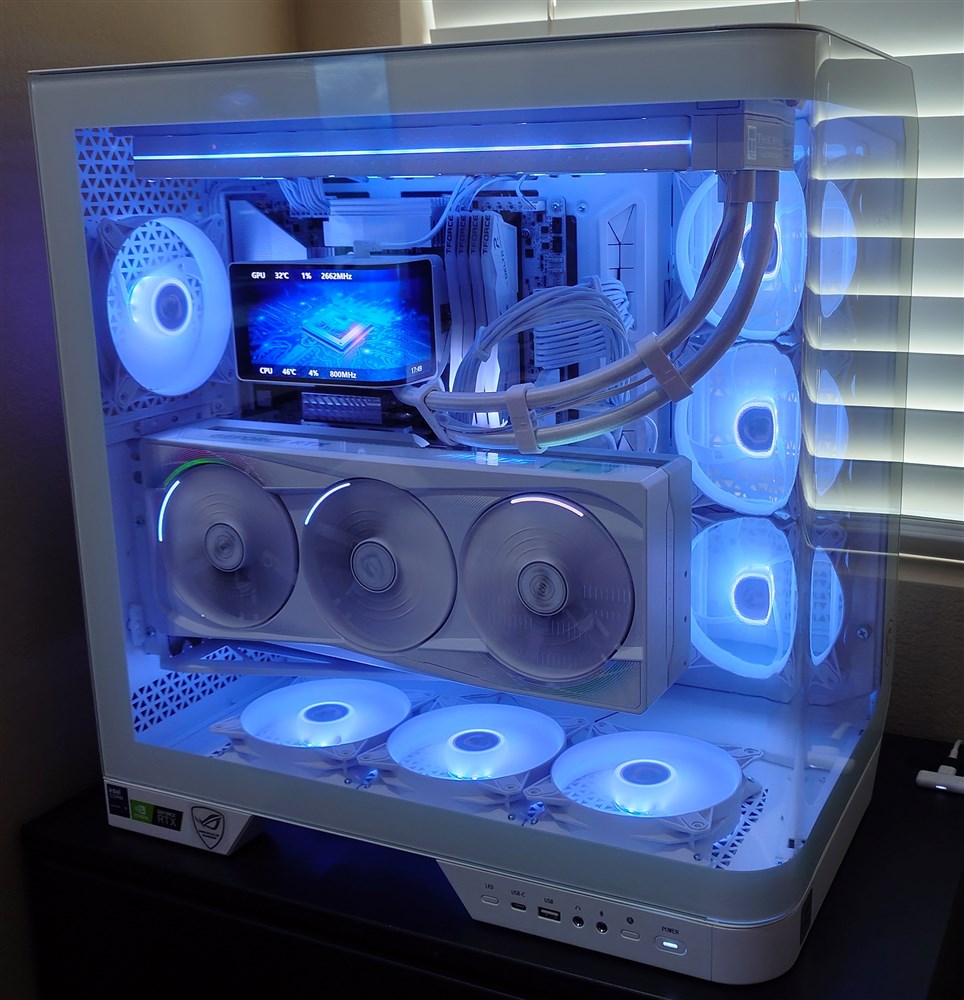
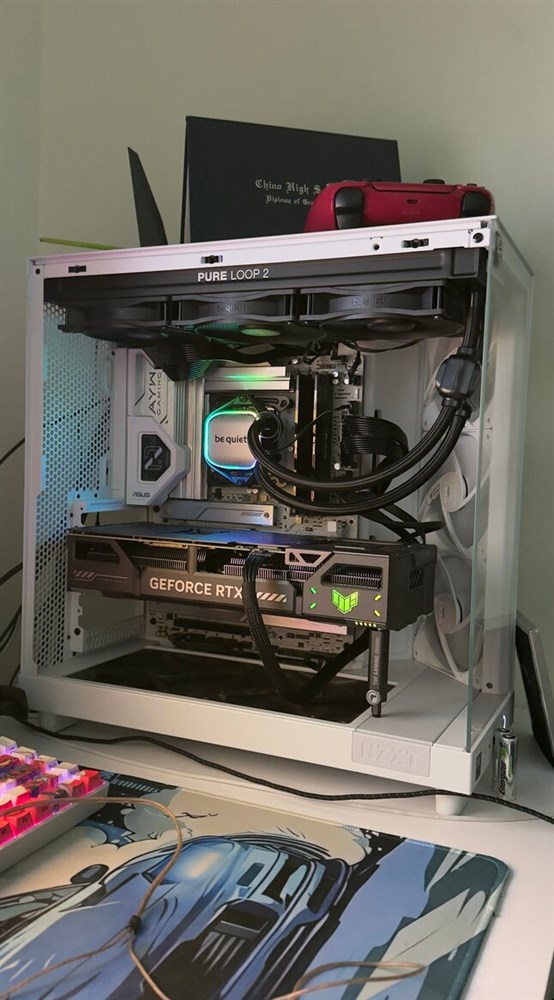
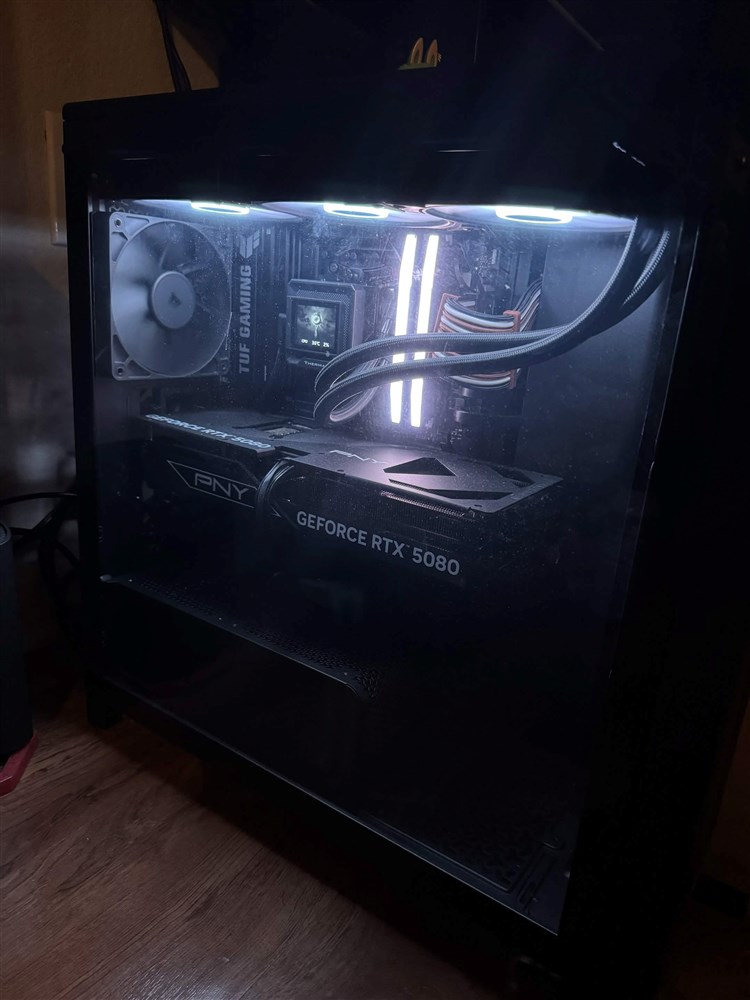

RAID Capacity Calculator
Estimate usable storage and drive fault tolerance for common RAID levels.
Results
Select a RAID level and enter your drive information, then click Calculate.
A NAS is a dedicated storage device that connects to your home or office network, allowing multiple users and devices to access shared files. Unlike external USB drives, a NAS stays online 24/7 and provides centralized, secure, and expandable storage.
A NAS is ideal for anyone who needs shared storage—home users storing photos and media, content creators managing large files, small businesses sharing documents, or anyone looking for reliable backups. It's also a popular choice for home labs, surveillance storage, and media servers like Plex.
NAS offers lower long-term cost, full data ownership, faster local transfers, and customizable redundancy options. While cloud services are subscription-based, a NAS is a one-time investment that you fully control.
RAID (Redundant Array of Independent Disks) combines multiple hard drives into one logical volume for performance, capacity, or data protection. RAID levels such as RAID 1, RAID 5, or RAID 6 allow your NAS to continue working even if a drive fails, helping prevent costly data loss.
It depends on your priorities:
- RAID 0: Maximum speed, no redundancy
- RAID 1: Mirroring; ideal for reliability with 2 drives
- RAID 5: Balanced performance, capacity, and redundancy (3+ drives)
- RAID 6: Protects against two drive failures (4+ drives)
- RAID 10: High performance + redundancy (4+ drives)
The configurator will guide you based on your storage and protection needs.
Estimated needs based on use case:
- 1–4 TB: Light home use
- 4–12 TB: Photos, media collections, basic backups
- 12–40 TB: 4K video, Plex libraries, creative workflows
- 40 TB+: Business environments, surveillance, server storage
The configurator will calculate usable storage after RAID overhead.
HDDs offer the best value for high-capacity storage. SSDs provide superior performance and are recommended for virtualization, databases, or caching. Some NAS models support a hybrid setup with SSD caching to speed up frequently accessed data.
NAS caching uses SSDs to accelerate read/write operations. It's helpful for:
- High volumes of small file operations
- Active workloads like VMs or databases
- Multi-user environments
For simple home use or large media libraries, caching is optional.
Recommended network speeds:
- 1GbE: Standard home use
- 2.5GbE–10GbE: Creators, Plex streaming, fast backups, or multi-user environments
Your actual speed depends on your NAS model and your network hardware.
Yes. Most NAS units allow you to:
- Add additional drives
- Upgrade to larger-capacity drives
- Attach expansion units (supported models)
RAID migration features also allow storage expansion without losing data.
Additional Resources
Expand Your NAS Knowledge

What Is a NAS?
Losing your data can be frustrating and losing irreplaceable photos or videos can be devastating. That is why you need a Network-Attached Storage, or NAS. But what is a NAS and how is it different from an external hard drive?
LEARN MORE
How to Set Up a UGreen NAS Secure Networking System
Using a UGreen NASync and and some Western Digital HHDs, we take you step by step on how to set up your NAS system on your home network.
LEARN MORE