
How to Fix a Boot Configuration Data File is Missing Error in Windows 10

This article explains how to fix a boot configuration data file is missing error: error code 0XC0000034.
- Insert Windows 10 installation media DVD or USB flash drive.
Boot to the media. For example, press F11 during boot up on a PowerSpec computer to select the installation media as the boot device.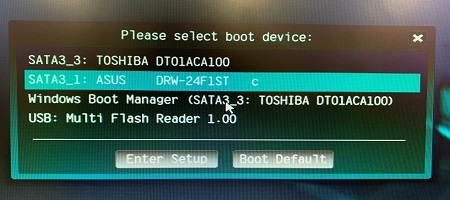
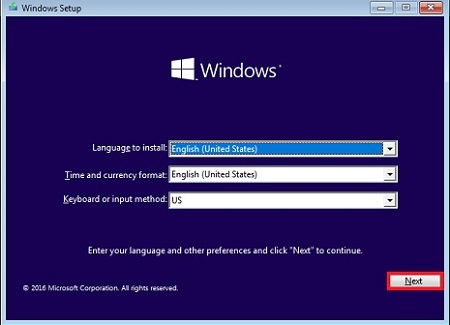
- At the Windows setup menu, select language, time and currency format, and keyboard layout. Then choose Next.
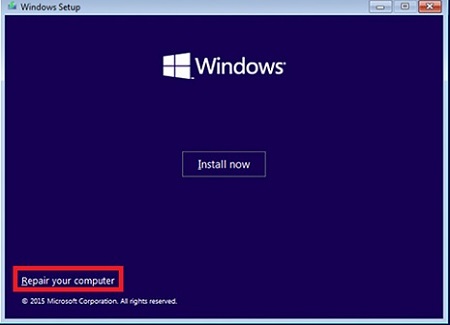
- Choose Repair your computer.
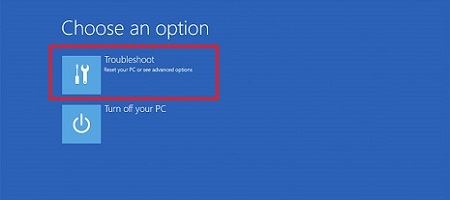
- Choose Troubleshoot.
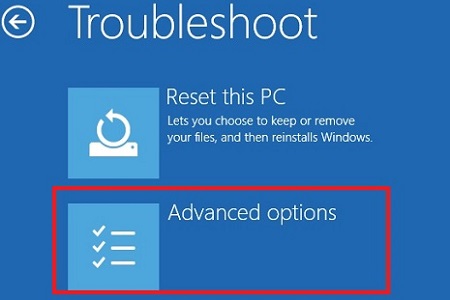
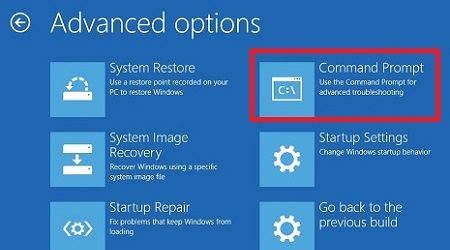
- Select Advanced options.
- Pick Command Prompt. The PC will restart and boot into Command Prompt. It may ask you to enter the administrator password for the PC.
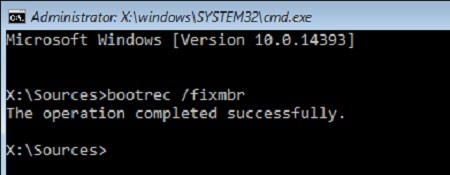
- Type Bootrec /fixmbr and press the enter key.
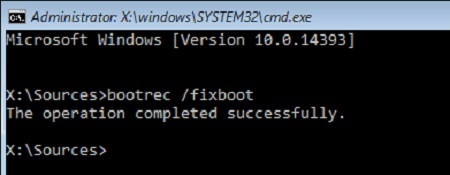
- Type Bootrec /fixboot and press the enter key.
- Type Bootrec /scanos and press the enter key.

• Type Bootrec /rebuildbcd and press the enter key.
• Type Y or Yes to add the installation to the boot list and press the enter key.
• Exit the command prompt window with the X button.
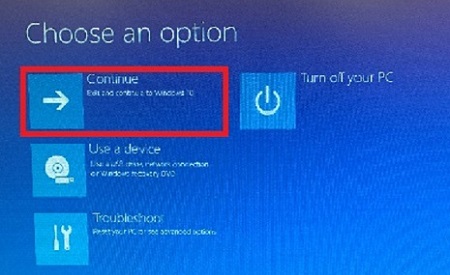
• Select Continue to Exit and continue to Windows 10.