Watch: Let's Build a Glorious GMMK3 Pro Custom Keyboard
Your keyboard is an extension of your computer, so why not personalize it and make it an extension of you!How-To
Your keyboard is an extension of your computer, so why not personalize it and make it an extension of you! Using a barebones keyboard like the Glorious GMMK 3 Pro, you can choose the switches you prefer and choose from a variety of keycap themes and colors to tie into your computer aesthetic.
Pick your switch type; linear, clicky, or tactical, and start snapping them in. Since this keyboard is hot swappable, you can test out the switches to make sure each one is completing their circuit and if not, easily switch it out! Then pop on the keycaps that you picked, turn on the RGB design you've chosen and start gaming, editing, or getting to work on your PC.
Check it out as Jordan takes you step by step and problem solves as he builds a sweet celestial ice themed keyboard with a coiled cable.
Check out more Micro Center Video Content:
Micro Center Video dives deep for videos on building PCs, 3D printing, hands-on reviews, and so much more. Check out our YouTube channel at www.youtube.com/@microcentertech.
Comment on This Post
See More Blog Categories
Recent Posts
AI
Why Apple Shortcuts Is the Best Mac Local AI Feature You're Not Using
Shortcuts is a powerful automation tool built into Macs, iPhones, and iPads, and this year's Siri AI upgrade made it easier than ever to use.
Continue Reading About Why Apple Shortcuts Is the Best Mac Local AI Feature You're Not Using
PC Build Showcase
Watch: kayjayohpcs Builds His Most INSANE PC Yet!
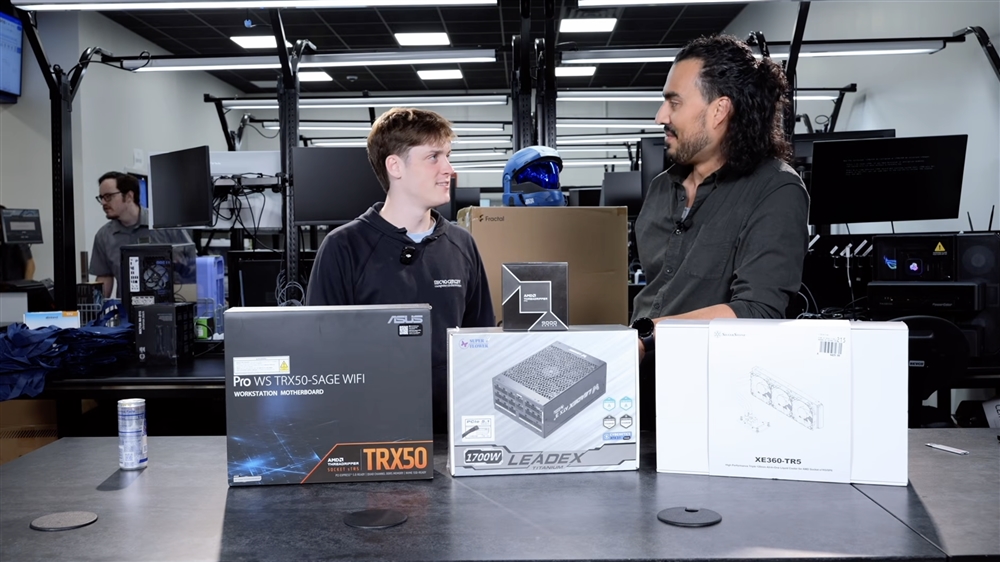
At the Micro Center Austin Grand Opening, Jordan and special guest kayjayohpcs build a Threadripper PRO workstation with two Radeon AI PRO R9700 GPUs, 128GB of ECC memory, and a 1700W power supply.
Continue Reading About Watch: kayjayohpcs Builds His Most INSANE PC Yet!