Maingear Vector Pro 2 17.3" AMD (MG-VCP2-17A3070T) BSOD after Windows Update
Greetings,
We have recently become aware of an issue with this model. There is a conflict between the audio driver on the system and Windows Update that began rolling out recently. This will potentially cause the system to BSOD during the update, or on startup after installing the update. We have posted a new audio driver to Windows Update that corrects this issue. It will download automatically.
Resolution:
If you're are not experiencing an issue: You don't need to do anything at all. The new driver will download from Windows Update and pre-empt this issue in the future.
If you are experiencing an issue: Issue being that the system BSOD's on startup and will not boot properly into Windows. We'll need to reboot into safe mode and uninstall the audio driver.
- From the "Automatic Repair" screen click "Advanced Options".
- Click "Troubleshoot".
- Click "Advanced Options".
- Click "Startup Settings".
- Click "Restart".
- Press "4" on the keyboard.
- System will now boot into safe mode.
- Right click on the "Start" icon on the bottom of the screen.
- Click "Apps and Features".
- Find and select "Realtek High Definition Audio".
- Click "Uninstall" and follow the prompts on screen.
- Restart the PC.
The system will now boot into Windows normally and the new driver will download automatically from Windows Update.
Comment on This Post
See More Blog Categories
Recent Posts
Why Apple Shortcuts Is the Best Mac Local AI Feature You're Not Using
Shortcuts is a powerful automation tool built into Macs, iPhones, and iPads, and this year's Siri AI upgrade made it easier than ever to use.
Continue Reading About Why Apple Shortcuts Is the Best Mac Local AI Feature You're Not UsingWatch: kayjayohpcs Builds His Most INSANE PC Yet!
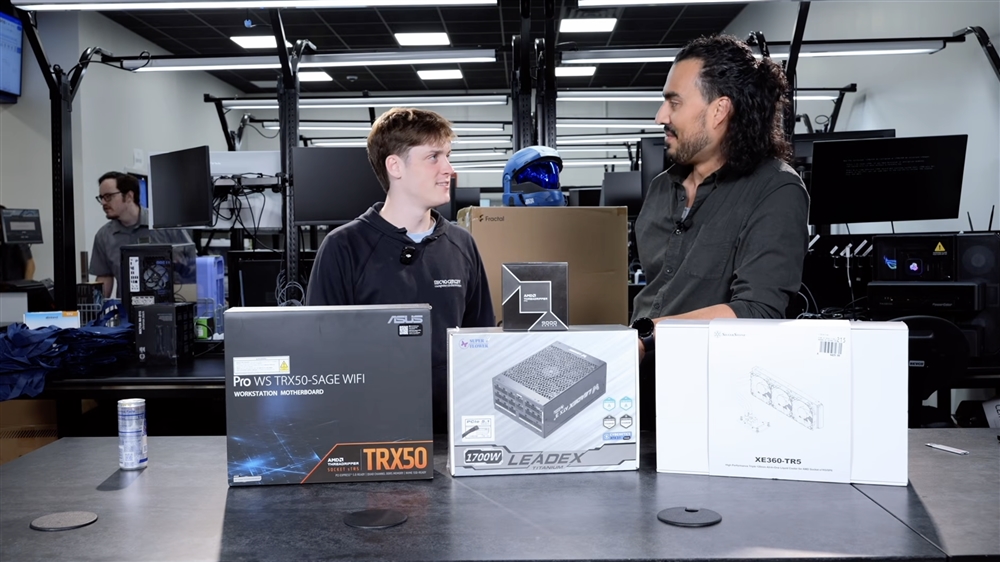
At the Micro Center Austin Grand Opening, Jordan and special guest kayjayohpcs build a Threadripper PRO workstation with two Radeon AI PRO R9700 GPUs, 128GB of ECC memory, and a 1700W power supply.
Continue Reading About Watch: kayjayohpcs Builds His Most INSANE PC Yet!