
Hardware Decisions For Content Creators Made Easy!


Then it's time to dive into the world of Creator Laptops! These high-performing machines are specifically designed for creators, loaded with dedicated tools to bring your vision to life. With a few trade-offs, like added thickness and weight due to the superior performance, and a lower battery life than general-use laptops, a Creator Laptop is the ultimate tool for content creation.
The first step in choosing the perfect laptop for your needs is to understand your work and goals. Whether you're a vlogger, photographer, graphic designer, or special effects artist, there's a laptop out there that's perfect for you! Whether you're looking for a laptop for photo editing, graphic design, video editing, or 3D rendering, you'll want to consider the top specs to help you make the best decision.
Creator laptops are available at three levels: graphic design and photo editing, video editing and 3D design, and special effects and 3D rendering. The higher the specs, the better the performance. Let's take a closer look at the top five specs to consider when choosing a laptop for your content creation needs.
- CPU (Central Processing Unit)
- The CPU, or processor, is the brain of the laptop and plays a significant role in its performance. The higher the specs, the better the computer will run your programs and tasks. There are two main manufacturers of CPUs: Intel and AMD. As a rule of thumb, the higher the model number, the more processing power the CPU has. For example, the Intel Core i7 processor is superior to the i5 processor, while AMD's Ryzen 9 outperforms the Ryzen 5.
- GPU (Graphics Processing Unit)
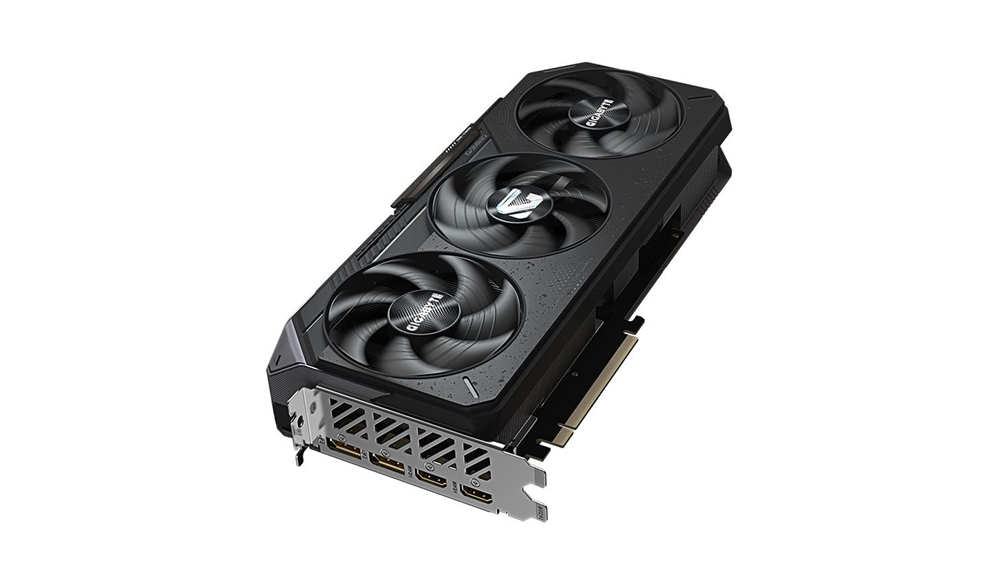
- A GPU helps the laptop render images, video, and animations. There are two main types: integrated GPUs and discrete GPUs. For high performance, we recommend a discrete GPU. For graphics-heavy applications, look for an NVIDIA GeForce RTX or an Intel Iris Xe GPU, which are fit with ray tracing technology.
- Memory (RAM)
- RAM is your laptop's short-term memory. The more RAM you have, the better the computer will handle demanding tasks like 3D rendering. Your options for RAM typically fall at 8GB, 16GB, or 32GB. For highly demanding tasks, opt for more RAM.
- Display
- For creators, an OLED display is a must-have. OLED displays produce rich, sharp images with high contrast ratios, fast pixel response time, and brighter images than LED displays. OLEDs produce supreme color accuracy, emit less blue light, and produce a clear and crisp image even when viewed at an angle.
- Storage
- Your laptop's storage refers to the amount of space you have for your files and applications. There are two main options: solid-state drives (SSDs) and traditional hard disk drives (HDDs). For content creators, we recommend SSDs because they are faster and outperform HDDs in initial boot-up times and during normal use.
In conclusion, choosing the right laptop comes down to your type of work, specific needs, and budget. Investing in higher specs may be more expensive, but it will allow you to streamline your workflow, save time, and future-proof your setup. So, gear up and get ready to unleash your creativity with a Creator Laptop!
See Micro Center Creator Laptops Available Now! Find the best cameras for vlogging here.