



Base Solution


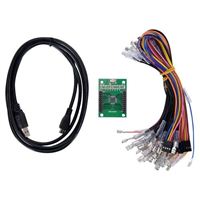
An amplifier is not compatible with the cabinet you have selected.
Customization & Accessories
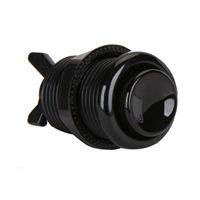
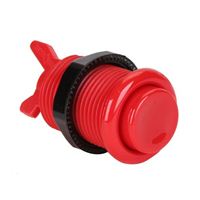
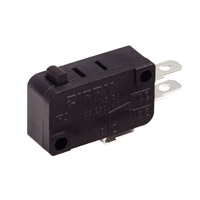
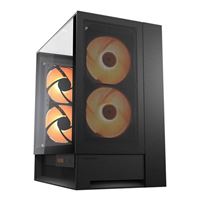
A trackball is not compatible with the cabinet you have selected.
Sorry, we have encountered an error.

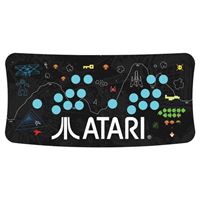
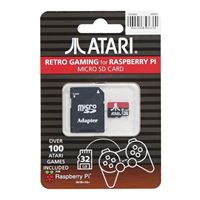
How to Build Retro Gaming Cabinet FAQ
What tools are needed to build an arcade cabinet?
"All cabinets are assembled with cam locks. Assembling the cabinet, installing the internal hardware, mounting the screen, and installing the buttons and joysticks will require a Phillips screwdriver and 5/16” wrench or nut driver. No soldering is required to install the electronics. A stiff squeegee (like those sold for body filler) is helpful for removing bubbles when applying the graphics, and a sharp knife is needed to trim the graphic to size."
Why are some options unavailable for my build?
"To ensure our customers don’t inadvertently select components that aren’t compatible certain options are restricted based on previous selections. For example, if you select a USB controller interface without a built-in LED controller you will not be able to select LED illuminated buttons."
How can I be certain all the components I select are compatible and I’m not missing any components?
"Our configurator does its best to automatically ensure the components you select are compatible. If you’re still unsure whether or not you have the correct quantities and compatible components you can start with one of our pre-configured builds by clicking on the cabinet size you want in the header image. From there you can modify selections such as button color, remove components you already own or add optional components."
Where can I share my build and get feedback?
"The Microcenter Maker Community is a great place to show off your finished build or get feedback on a planned build. Our configurator allows you to export component lists in a number of formats for easy sharing on our community, Reddit, or other forums."
Why can’t I see some parts when making a selection?
"Our configurator automatically filters out parts that are not available at your selected store. If a part isn’t showing up it’s likely out of stock at the store you have selected. You can choose to show all products instead of in stock in the selection window. You can also check another store by changing your store at the top of the web page. Many components are not available in our web store, so shopping at a physical store will offer the greatest selection."
How do I place my order?
"Once you have your components selected click “add to cart” and complete the checkout process for in-store pickup. Our associates will gather all your components and hold them in the store for 3 days."
Can I use an existing monitor, if so, what specs does it need to be?
"Most VESA mount compatible monitors with ports on the bottom are compatible with our arcade cabinets. Monitors with ports on the back may not be compatible due to the mounting system used to hold the monitor. Bartop cabinets require a 22” monitor, ¾ cabinets require a 27” monitor, and full-size cabinets require a 32” monitor."
Can I use a Raspberry Pi 4?
"Our RetroPie image is not compatible with the Raspberry Pi 4 at this time. However, you can install RetroPie yourself from RetroPie’s website if you would like to use a Pi 4. This will require additional configuration and will not include any licensed games."
Can I use my own amplifier or speakers? If so, what are the dimensions, power, ohms spec?
"Yes. The bartop cabinet require 4” speakers, and the full-size cabinet requires 6” speakers. Our amplifier provides 18 watts with 4ohm speakers and is compatible with 4-8ohm speakers. Our speakers are 4ohm and can handle up to 60 watts."
Can I buy separate control panels so I can have a trackball set up for golden tee and missile command?
"A trackball control panel is available for the full-size arcade cabinet and the Dual Fight Stick with Trackball."